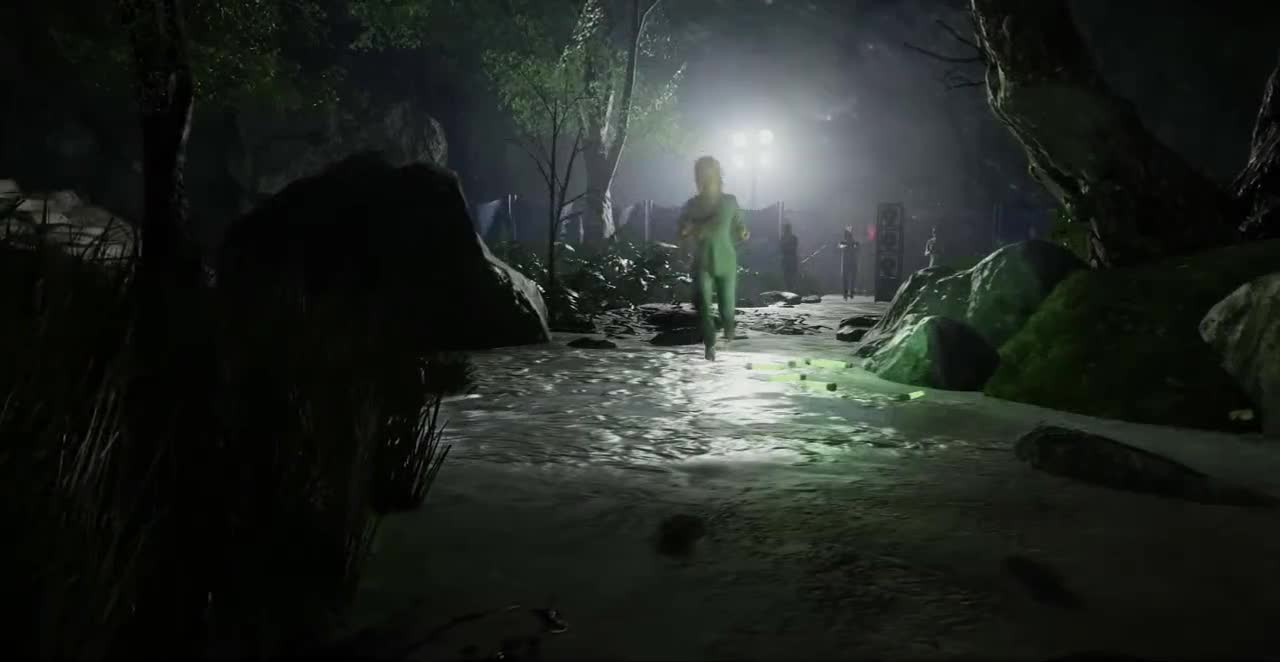

Trust no one in the room
Deceit is a first-person game of trust and deception for six players. You wake up in unknown surroundings to the voice of the Game Master, with five strangers. A third of you carry his virus, and they will try to take the others down one by one. Pick up items, fight over the ones that matter, make alliances and watch what everyone does: every choice tells you which side a player is on.
The official introduction to Deceit, 3 minutes.
How a match plays out
Wake up
Six players wake up as humans. The two infected know each other; the innocents know nothing.
Objectives
Each zone has its objectives to collect. Gather them, along with weapons and items, and keep an eye on everyone.
Blackouts and fuses
Then the lights go out and the infected can take their terror form to hunt. Put in the fuses to reach the next zone; after the last blackout, they open the exit.
Vote
At any moment of the match, vote out the player you think is infected. Pick the wrong one and you have helped them.
Escape
The innocents win by getting out through the exit. The infected win by stopping them.
Innocent
Stay alert, work together and keep an eye on anyone acting strangely. Weapons, antidotes and a good alibi will get you further than luck.
Infected
Blend in, collect blood and cover up your sabotage. When the blackout comes, transform: in terror form you are faster, stronger and see better than your prey.
 Experiment
 Yeti
Yeti Werewolf
 Vampire
Five places to wake up in
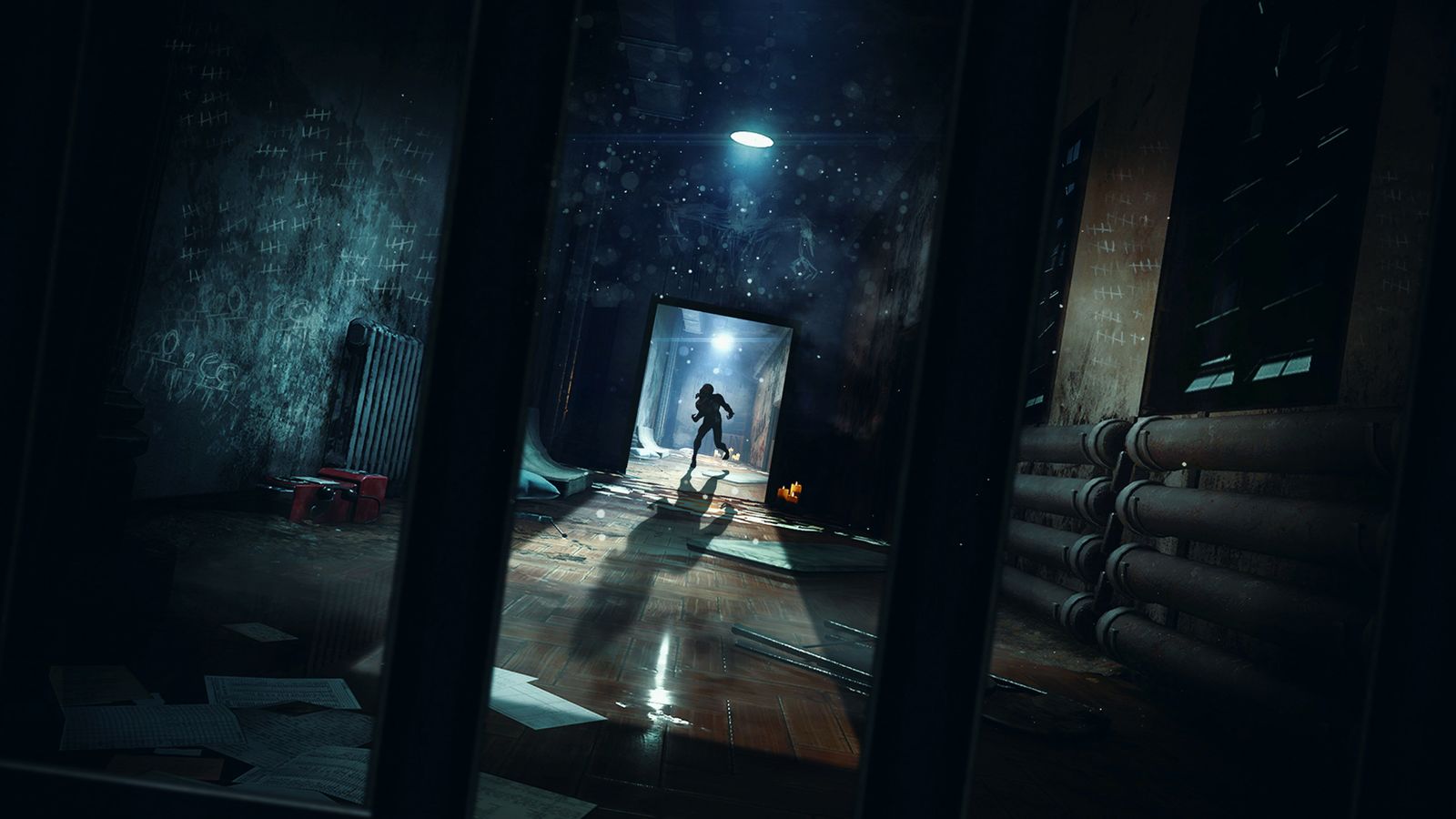
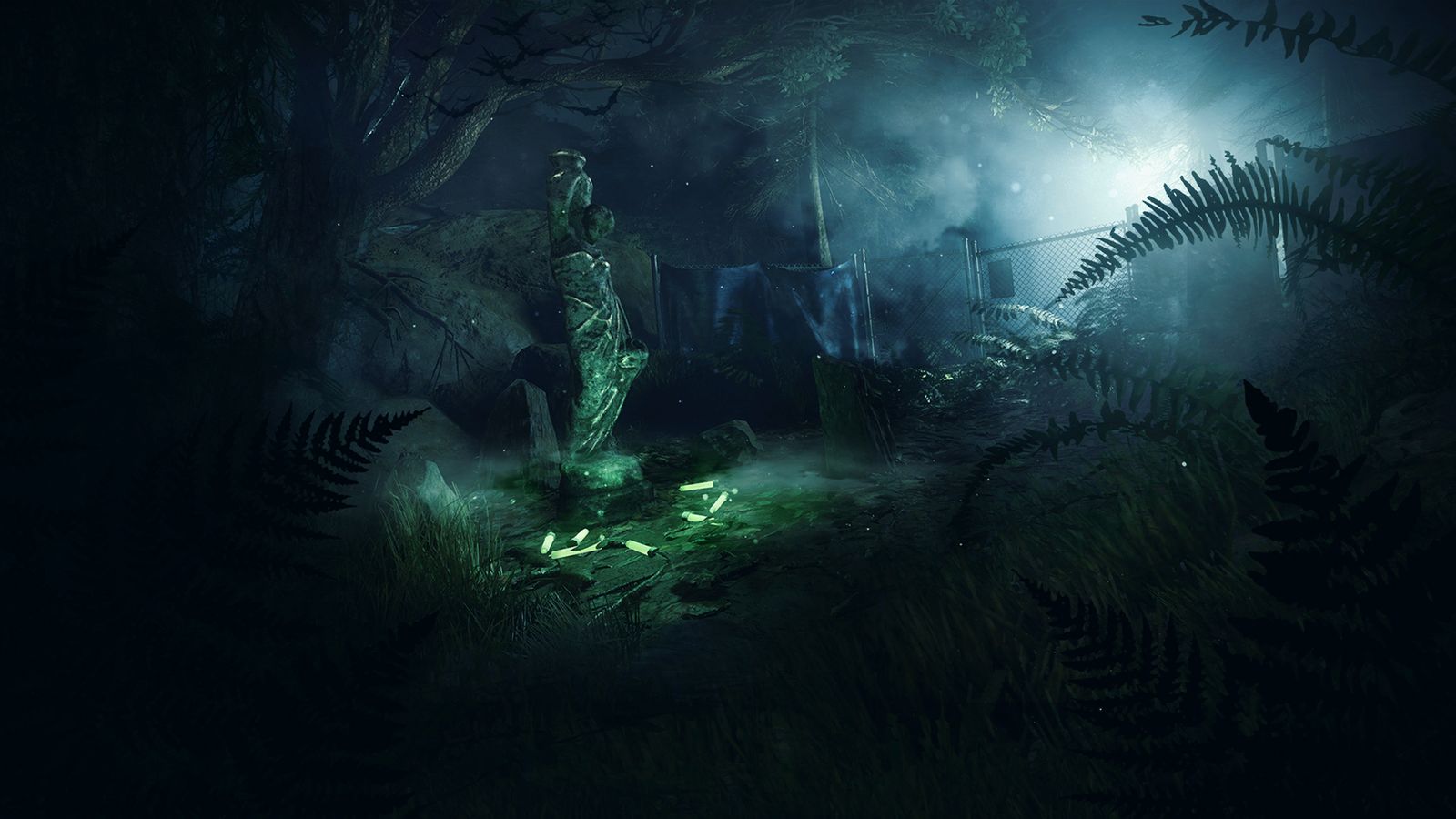
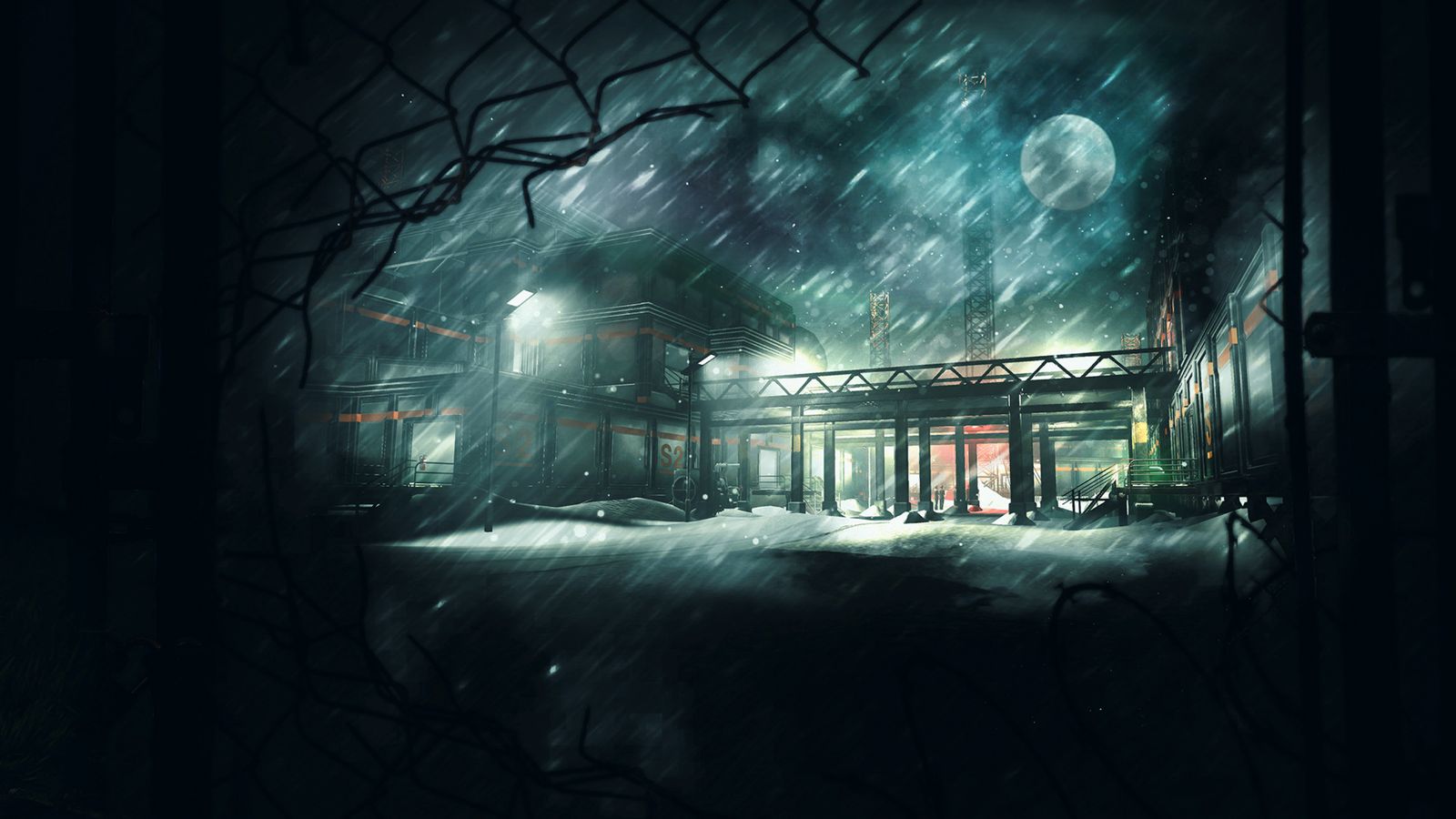
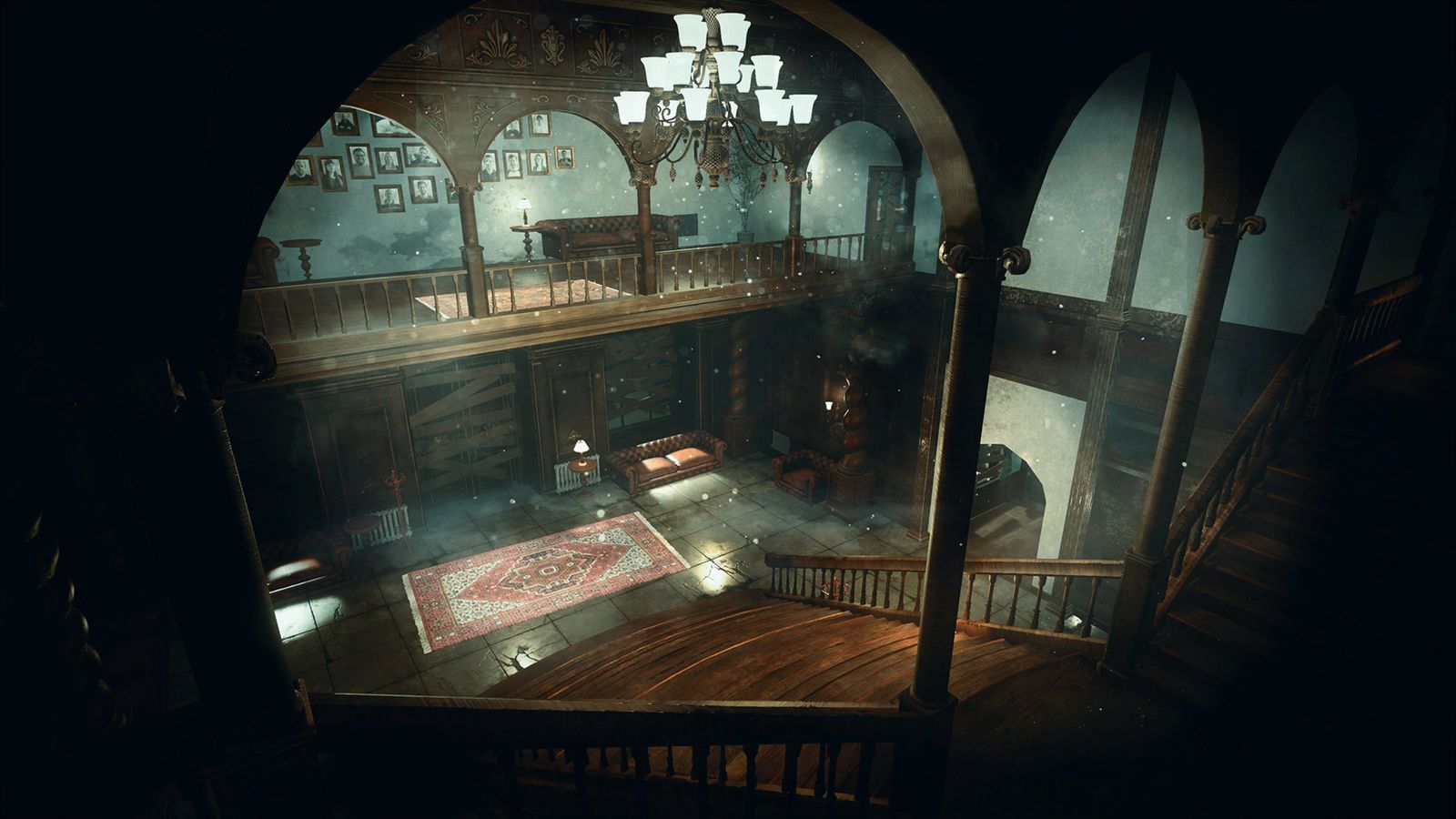
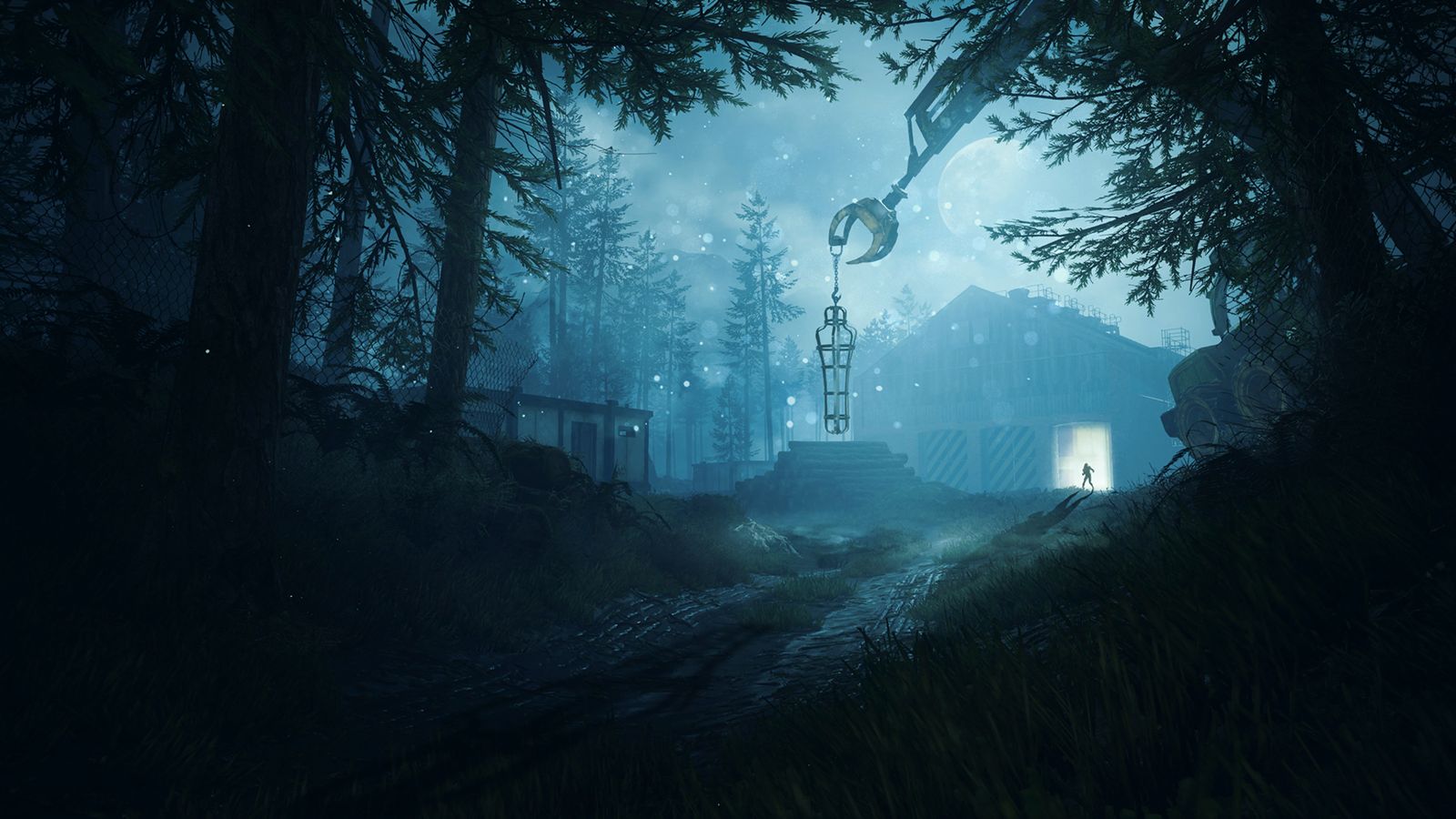
Asylum
Deceit as it was, still alive
Matchmaking
Start a search from the menu, alone or with friends in your party, and you are in a match.
Ranked seasons
Marks, ranks up to Diamond and an Elo leaderboard. Each season lasts a month, with rewards for the players who finish in Diamond.
A perk tree each season
Every ranked season brings a new perk tree. Earn points by playing and unlock the perks you want.
Your old profile
Played Deceit before? Your level, progression and cosmetics are imported the first time you play, Deceit LIVE cosmetics included.
Fixes
Many bugs of the original game are fixed, for smoother and fairer matches.
Updates you choose
When a new version is out, the game tells you before it starts, shows what's new and lets you update in one click, or look at the release first.
Seasonal events
Halloween, Christmas, Easter and more come back every year, with decorated maps and menus, event tokens for the loot booth and double XP weekends.
Get Deceit Legacy
One setup installs the game, Legacy Project and everything they need. No Steam download, no extra step.
Want to see what it does before running it? Everything is explained on the setup's GitHub page.
- Download the setup
A single file,
DeceitLegacySetup.exe. - Choose where to install
Pick a folder (
C:\Gamesby default) and whether you want a desktop shortcut. No administrator rights needed. - Let it work
The setup checks your free space, downloads the game, Legacy Project and their files, and installs them.
- Play
Open Steam and sign in, then start Deceit Legacy from its shortcut.
To install
- System
- Windows 10 or 11, 64-bit
- Space
- About 14 GB, plus room for the download on your system drive
- To play
- Steam running and signed in
Minimum
- Processor
- Intel Core i3 / AMD Ryzen 3
- Memory
- 8 GB RAM
- Graphics
- GeForce GTX 750 Ti / Radeon R7 265, DirectX 11
Recommended
- Processor
- Intel Core i5 / AMD Ryzen 5 or better
- Memory
- 16 GB RAM
- Graphics
- GeForce GTX 970 / Radeon R9 290X or better, DirectX 11
Already have Deceit on Steam?
You don't need the setup. A small installer adds Legacy Project to the copy of Deceit you already have, and your old profile comes back with it: the first time you play, your level, progression and cosmetics are imported, Deceit LIVE cosmetics included.
What it changes, and how to install by hand, is on the Legacy Project GitHub page.
- Switch to the Legacy version
In Steam, right-click Deceit, then Properties, Betas, and select
Legacy. Wait for the download to finish. - Run the installer
Double-click
LegacyProjectInstaller.cmdand follow the steps. It sets the Steam launch option for you. - Play
Launch Deceit from Steam as usual.
Find players on Discord
Meet the community, find a group for your next match, report a bug or follow the news of the project.
Questions
Is Deceit Legacy official?
No. It is a community project made by players, not affiliated with Automaton or the developers of Deceit.
Does it cost anything?
No. Deceit Legacy is free to download and to play.
Why do I need Steam?
The game signs you in with your Steam account, so Steam has to be running and signed in when you play. Your profile, friends and rankings are tied to that account.
What does the setup install on my PC?
The game in the folder you choose, its shortcuts and an uninstaller, for your Windows account only. Nothing else in that folder is touched, and no administrator rights are needed.
I played Deceit before. Do I keep my progress?
Yes. Your profile is tied to your Steam account: the first time you play, your level, progression and cosmetics from before the servers shut down are imported, Deceit LIVE cosmetics included.
Who runs the match?
When a lobby is found, the server of the match starts on the PC of one of the players, chosen for the best connection with the others. Matchmaking, profiles and rankings are handled by the Legacy Project server.
Can I play with my friends?
Yes. Invite them to your party from the menu and start a search together.
How do updates work?
When a new version of Legacy Project is out, a window shows up when you start the game, with the version and what's new. You can update now, open the release page on GitHub first, or quit. You can also choose to always install updates automatically.
If an update comes out while the game is open, a message in the main menu tells you and the game restarts to show you that window.
Every update is downloaded from the official GitHub release of the project, and its signature is checked before anything is installed.
How do I uninstall it?
If you used the setup: run unins000.exe in the Deceit folder, or uninstall Deceit Legacy from Windows' installed apps. It removes the whole Deceit folder and the shortcuts.
If you used the installer on the Steam version: run the installer again and choose Uninstall.